
Connect your systems so data moves on its own
We connect your ERP, accounting, online store, POS, couriers and LHDN MyInvois, so your team stops typing the same order into three systems.
- ERP
- Accounting
- Online store
- POS
- Courier
- MyInvois
System integration
Many systems, one way of working
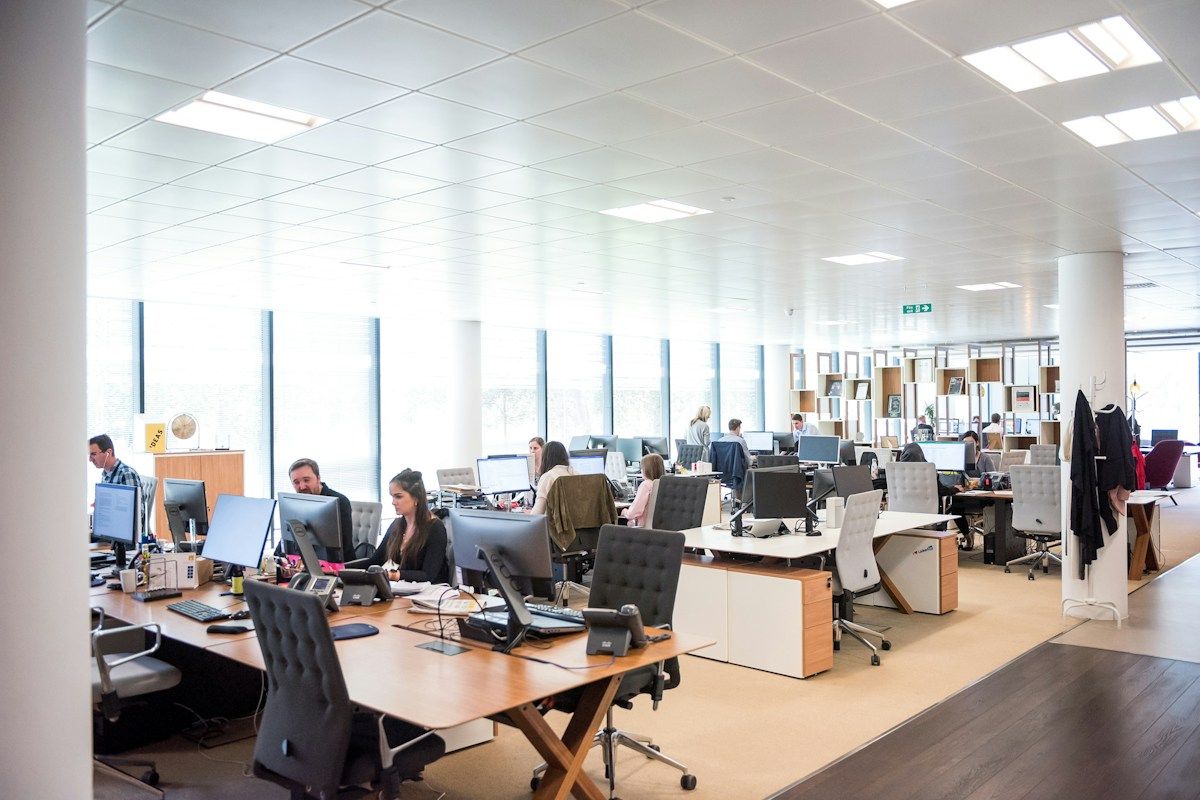
Most growing companies end up with a mix of systems: accounting here, stock there, an online store, a POS in each branch and spreadsheets in between. Each one works, but they do not work together.
System integration connects your applications, databases and older systems so they share the same data and run as one operation. You get one set of figures and fewer manual steps, without replacing everything at once.
- Connects new and older systems
- One set of figures across departments
- Planned and supported by us
Watch in 30 seconds
Let your systems pass the data to each other.
If your staff retype the same order into three systems, integration fixes that. We connect ERP, CRM, accounting, online stores, POS, couriers and LHDN MyInvois so data moves by itself.
Watch the 1-minute overview
See how it works for your business
An order comes in from the online store, and someone types it into accounting, then the courier system, then a spreadsheet. Integration connects those systems so the data moves by itself: ERP, CRM, accounting, online stores, POS, couriers and LHDN MyInvois. You keep the systems that work. We connect them, using APIs where they exist and practical workarounds where they do not.
What system integration covers
Applications
ERP, CRM, accounting, online stores and the apps your team uses every day.
Databases
Data held in different places is matched and kept in step.
Older systems
Systems that are hard to replace are connected instead of thrown away.
Reports and dashboards
Figures from every system come together in one view for management.
Signs you need system integration
The same data is entered twice
Staff copy orders, customers or stock between systems.
Departments see different numbers
Sales, warehouse and accounts each have their own figures.
Reports take days
Someone has to pull data from several places every month end.
Mistakes slip through
Typing errors cause wrong stock, wrong invoices or late deliveries.
New systems do not fit in
Each new tool adds another place to update by hand.
E-invoicing is a separate job
Invoices have to be prepared again for LHDN MyInvois.
One view of the business
From many systems to one set of figures
Once your systems are connected, an order placed online can update stock, create the invoice, submit it to LHDN MyInvois and show up in your reports, without anyone touching it.
Most of these connections are built with API integration. Where it makes sense, we also suggest replacing several small systems with one, such as EasyERP or Searchneasy BOS.
What you get
- Orders flow from the store to ERP by themselves
- Stock levels match in every system
- Invoices created and submitted automatically
- Payments update accounting records
- Management reports with today's numbers
How we work
We plan the whole picture first, then connect one part at a time.
Map
We list your systems, data and how work moves today.
Plan
We decide what to connect, replace or keep.
Connect
We build the links one part at a time.
Test
We check the data matches before going live.
Support
We monitor the connections and adjust as you grow.
Too many systems that do not talk to each other?
Tell us what you use today. We will map it out and show you what can be connected.
Frequently Asked Questions (FAQ)
1. What is system integration?
It is connecting your different systems, such as ERP, CRM, accounting, online stores and older in-house systems, so they share the same data and work as one.
2. How is system integration different from API integration?
API integration connects applications so they can exchange data. System integration looks at your whole set-up, including databases and older systems, and plans how everything fits together. Most system integration projects use APIs.
3. Do I need to replace my current systems?
No. We keep the systems that work and connect them. Where several small systems do the same job, we may suggest combining them.
4. How long does a system integration project take?
It depends on how many systems are involved. We usually connect one part at a time, so you see results early. We agree a timeline with you after mapping your systems.
5. How much does system integration cost?
It depends on the number of systems, the amount of data and any custom work needed. We map your systems first, then give you a quotation before any work starts.
6. Can you connect AutoCount or SQL Account to my online store or ERP?
Yes. We connect accounting software such as AutoCount and SQL Account with online stores, ERP, CRM and other systems, so orders, stock and invoices move between them without retyping.